How do I use my rewards?Updated 2 months ago
BrickHouse Rewards
Every order earns you 3% back. No points to decode, no expiration dates, no fine print gymnastics. Here's how it works.
Earning CreditsEvery purchase earns 3% cash back on your order total. Shipping, taxes, fees, and any customs or VAT charges don't count toward the calculation, but everything else does.
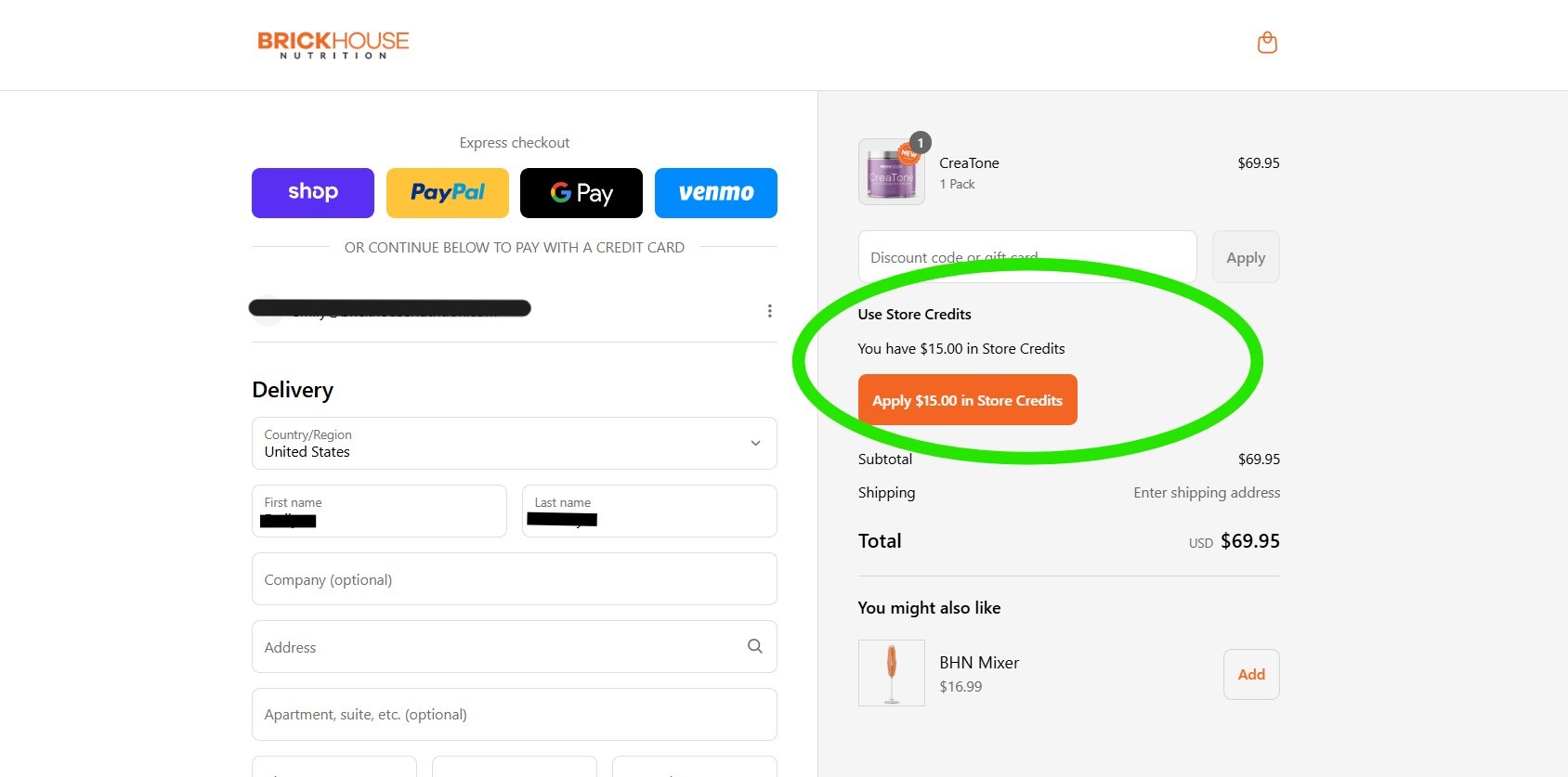
Using CreditsYou need a BrickHouse account and you need to be logged in at checkout. That's it. Your available credits will show up automatically. Hit "Apply" and they come off your total.
Not ready to use them yet? Just skip the Apply button. Your credits sit in your account until you want them.
A Few Things Worth Knowing
- Credits stack with promo codes. Yes, both at the same time.
- When you apply credits, all available credits are used. Partial use isn't an option, but anything left over stays in your account for next time.
- Credits never expire.
- Credits have to be applied at checkout. They can't be added retroactively after an order is placed.
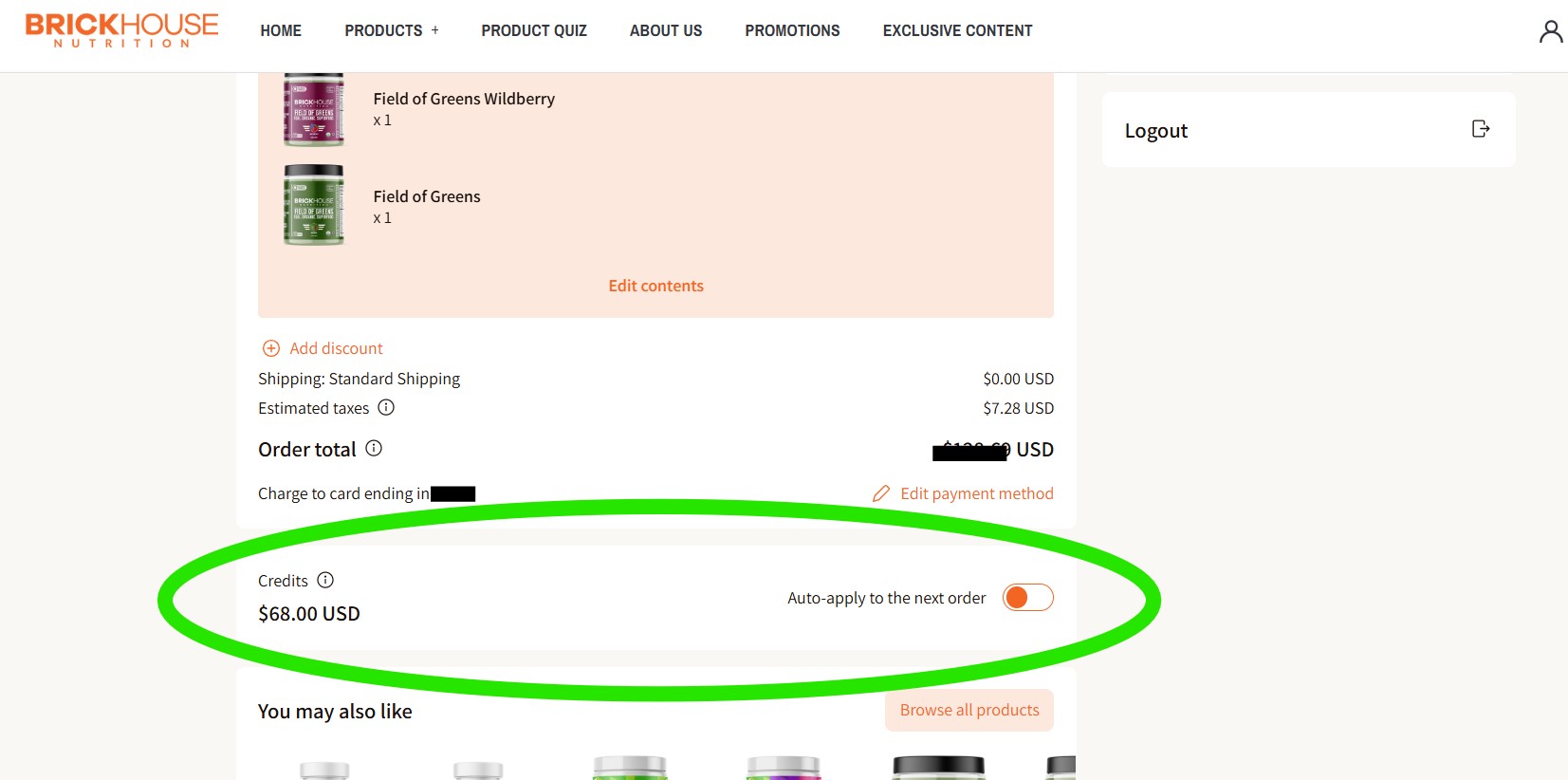
Subscribers
Manage and apply your credits through your customer portal for recurring orders.